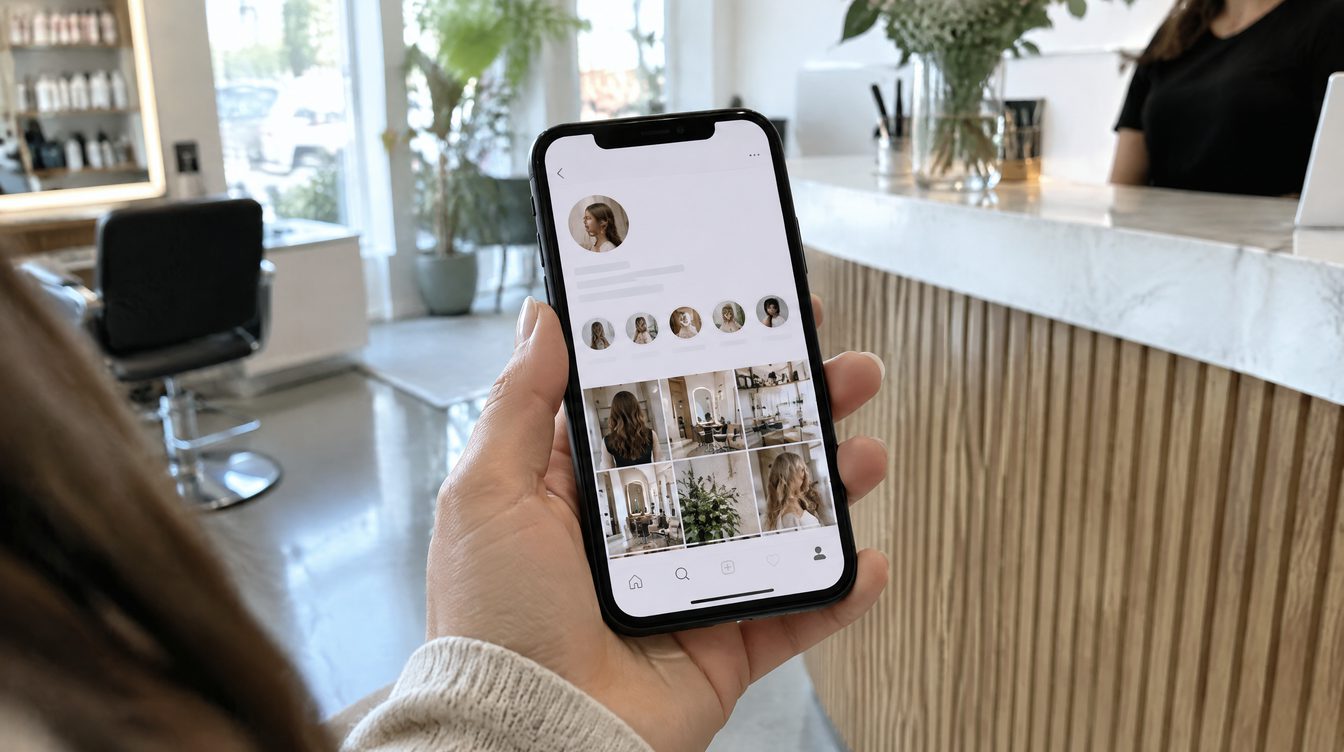
The same question, ten times a day
The price of a haircut, a free slot on Saturday, which stylist does color, whether you can book without a deposit: the same handful of questions land in your inbox over and over because the profile itself never answers them. Highlights sit right under the bio, in the most visible spot on the whole page, and they never need a reply: someone opens the right folder and gets the answer faster than they could have typed a message.
Folders that answer questions, not just decorate the page
Order the folders left to right by how often the question comes up, not by which cover looks nicest.
- Prices. A price list or range for the main services, in one image. Saves both the client and whoever answers messages dozens of identical replies.
- Before/after. Real results, not stock photos, this is the one folder that sells the work itself.
- How to book. A screenshot of the booking button or a direct link to the bot, literally two steps from question to appointment.
- Team. Who's on staff and what they specialize in, especially useful when clients book a specific person rather than the salon in general.
- Reviews. Screenshots of real reviews, ideally dated, recent ones carry more weight than old ones.
- Cancellation policy. One screen with the rescheduling and cancellation terms avoids an awkward conversation at the last minute.
Cover style matters more than the artwork
Covers in different colors and fonts turn the highlight row into visual noise and make the right folder harder to find fast. One consistent cover template (one background color, one icon per folder) takes fifteen minutes in any free editor and holds up for years without a redesign.
How many folders to keep live
Five to eight folders read at a glance without side-scrolling on most phones. More than ten and people have to keep swiping, and a chunk of visitors never scroll that far, meaning they never see the answer they came for.
What to update and what to leave alone
Before/after and Reviews are worth refreshing whenever new material comes in, Prices should update the moment the price list changes, and How to book and Cancellation policy only need edits when the actual process changes: rebuilding the same folder too often buys nothing, while an outdated price sitting in a forgotten folder works against the business.
Common mistakes, in short
- The Prices folder wasn't updated after the last price increase.
- Covers use mismatched styles, the profile looks unassembled.
- More than ten folders, the important ones get buried among the rest.
- The booking link points to an old bot account or an inactive number.
Checklist
- [ ] Five to eight folders, ordered by how often the question comes up
- [ ] One consistent cover template across all folders
- [ ] Prices and the booking link checked for accuracy
- [ ] A folder with real, dated reviews
- [ ] The "How to book" folder points to a working bot or form
What you can hand off to us
Cleaning up the profile and running the content ongoing is part of the studio's SMM service, from $120 a month. You can also discuss highlights for your own profile.