The listing and the site do different jobs
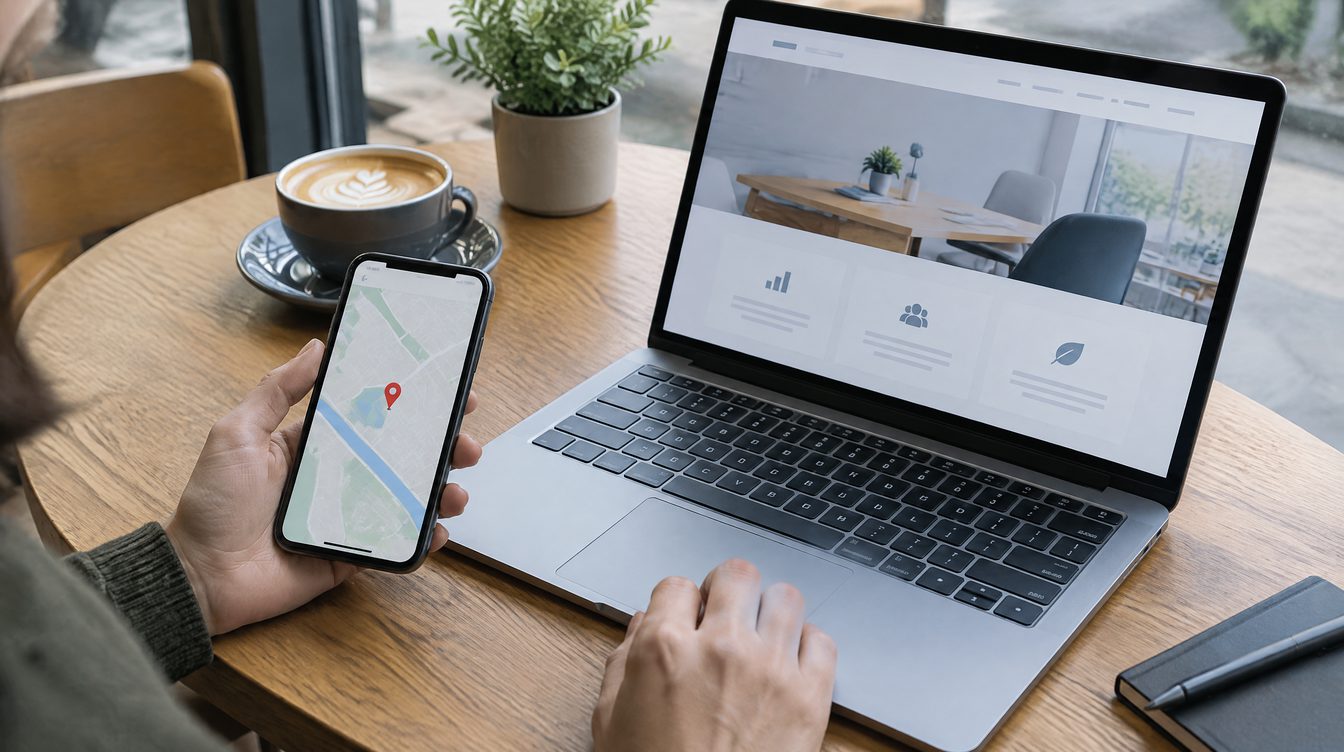
A Google Maps listing answers "where and when are you open". A website answers "why you, how much, and how do I book". If they aren't connected, clients get lost: they saw you on the map but couldn't find how to book.
What to connect
- A site link in the listing. Don't point to the homepage; point to the booking page or a landing page with a button.
- Identical details. Name, address, phone and hours should match letter for letter on the map and on the site. Mismatches confuse people and search engines alike.
- A map on the site. An embedded map and a "Get directions" button on the contact page save the client a minute.
- Reviews. You can show your map rating on the site, and reply to every review on the map.
Where people slip most often
Holiday hours were updated on the site and forgotten in the listing. A client turns up at a closed door and says so in a review. Compare the two places at least once a quarter.
A one-hour routine
1. Open the listing and the site side by side and compare name, address, phone, hours. 2. Change the listing link to the booking page. 3. Add a directions button to the contact page. 4. Check that the phone number on the site is tappable.
Checklist
- [ ] Details on the map and the site match
- [ ] The listing link goes to booking
- [ ] The site has a map and a directions button
- [ ] Opening hours were re-checked after the holidays
What you can hand off to us
Local promotion with maps and reviews is from $500 one-off, a landing page from $700. You can discuss a site and a listing for your own business.